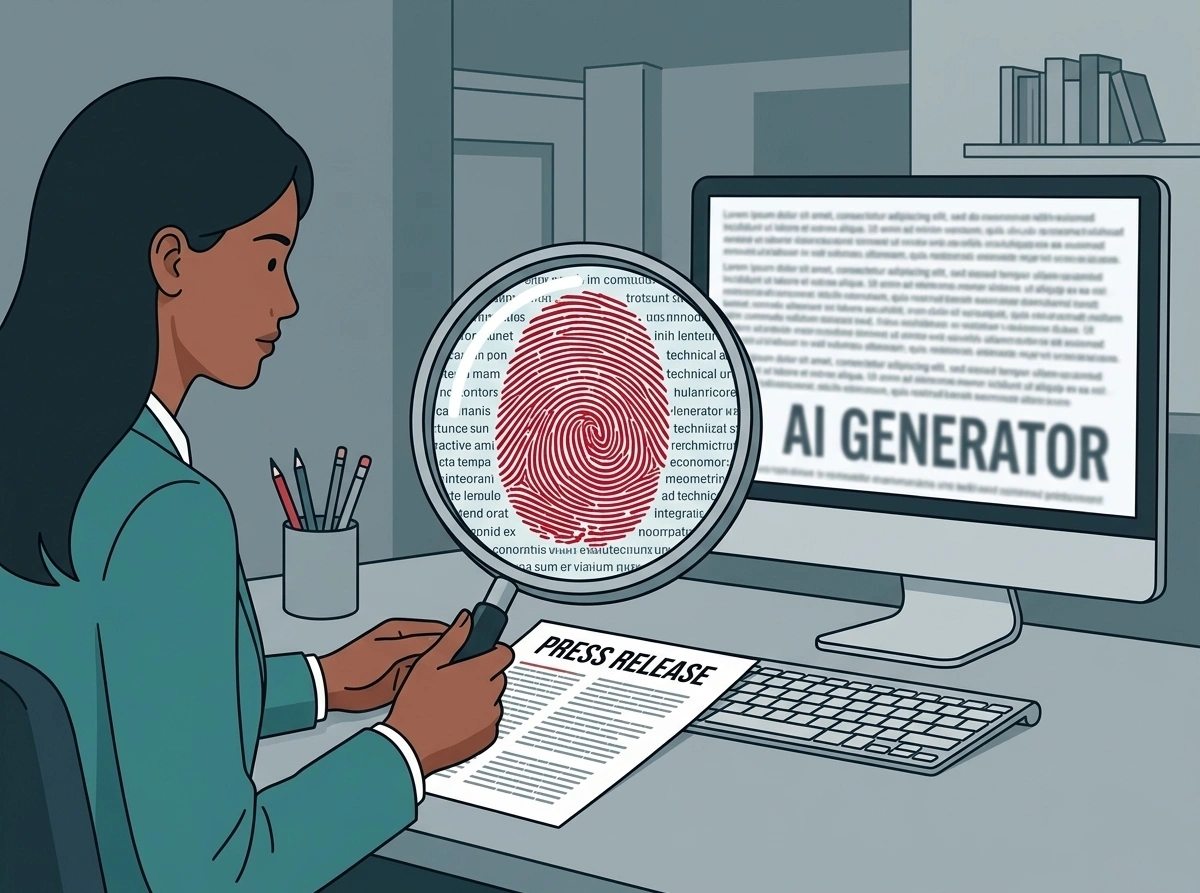
A great press release can be instantly let down by a bad image, or no image at all, even if all the other factors of the story are impeccable. But too often, making or choosing an image is treated as an afterthought. To understand the importance of a quality image, the key is to think about what an editor is looking for, and how they’re looking for it.
In a busy newsroom, they’ll be dealing with a huge volume of story submissions. A lot of these stories will be interesting, newsworthy, packed with insightful quotes, and backed up by solid facts. But it’s the image that is most likely to draw the eye first. If it fails to do so, there’s a good chance that your story, however strong, could be overlooked in favour of something else with more compelling visuals. Providing the right image, therefore, is critical to securing the coverage you want. Here’s how to do it:
Get the basics right
Even if you already have a great image for your story, it’ll have to pass a basic technical check before it can be considered usable. Keep the following in mind:
• Provide a photograph: Make sure to include at least one photograph among the story’s visual assets. Basic visuals like a company logo are inadequate on their own, and while technical drawings or illustrations can be valuable, always try to include at least one photo of your story’s subject to help ground it in the real world and give it authority. Offering several image options is ideal, though offering too many might overwhelm busy journalists with too many choices.
• Prioritise landscape: A horizontal orientation is more versatile for most news websites and print layouts – especially for a story’s main image – than a vertical one, which is more likely to need cropping.
• Check the resolution: Ensure the file is high resolution. A good rule of thumb is to check the image is at least 1MB in size and 300dpi to ensure suitability for both print and digital. However, don’t just rely on the specifications to determine quality resolution. If the image still looks blocky or pixelated it’s likely to be a low-resolution image that was artificially upscaled. Use common-sense as well as checking the specifications to make sure you deliver the best image you can.
• Include a caption: Provide a concise, factual description of the photo’s subject to ensure accuracy and save editors time. Make sure to clarify specifics that are important to the story, such as a product’s particular model, or a person’s full name and company role.
• Use the right delivery method: Send original, uncompressed files via email, or – if the file sizes are too large – via a download link (WeTransfer, SharePoint, Dropbox). Avoid using delivery services that will compress and lower the quality of the image files, like WhatsApp.
Pass the editorial test
When you’ve made sure your image is usable in a technical sense, you need to make sure it complies with the basic editorial criteria a journalist will be looking for. This means considering the following:
• Prioritise reality over perfection: Excessive manipulation of an image, either while shooting or during the editing process, can make a photo feel artificial and inauthentic. It’s understandable to want your product to look its best when being presented to the press, but in industrial B2B sectors, your product’s story is going to be about a real machine working in a real environment. A spotless machine without a drop of mud or grease on it is going to ring hollow to journalists and readers. Relatedly, good photos don’t have to be taken by a professional photographer. A good photo can be taken on a consumer camera or a smartphone, as long as it captures the story you want to tell.
• Be transparent about AI-generated images: Everything you need to be careful of in heavily-edited images applies even more to AI-generated or AI-altered images. They could also contain inaccuracies that are hard to catch, running the risk of misrepresenting your product, along with other issues of ethics and copyright. If using an AI image is necessary, you must be transparent. In the EU, the AI Act makes clear disclosure mandatory, but it’s good practice everywhere to label AI-generated images as such to maintain trust.
• Avoid logos and watermarks completely: A journalist can’t publish a photo featuring your company logo or a brand watermark. You can request an “Image courtesy of…” credit, but granting this request is as at the editor’s discretion and subject to their house style. The professional standard is to state that images are “free for editorial use”. Your goal is a published story, and a fight over image credit will not help you achieve it.
Tell your story with the image
Your main priority when choosing a picture is the story it tells. If you want journalists to cover your story, and the story’s image is what’s likely to catch their eye first, then the image should, as much as possible, tell the story itself. At SE10, some of our most prominent media placements have come from “picture caption releases”, where we lead with a single exceptional photo, supported by a hundred words or so of context, rather than a full press release.
• Include the key story elements: Consider the subject matter of your story. Is it about a particular person, or a particular machine? Is it about your product being used in an unusual or extreme environment? Whatever the most important parts of your story are, make sure to include them in your image if you can. If your story is about a mobile crane helping to construct an ambitious project in the Arctic, an image of the project site or an image of mobile crane alone won’t tell the whole story. An image of the crane working on the project, with the dramatic arctic scenery behind, will serve you much better.
• Capture the action: Stories are about action, and the best way to capture that story in an image is to capture that action. If your press release is about a wheel loader’s exceptional performance on a construction site, an image of the wheel loader working on-site will tell your story better than an image of the wheel loader sitting idle against a plain background. Sometimes an action shot can be difficult to obtain, but if it’s possible to include one, it can really make a difference in grabbing an editor’s attention.
• Don’t include unnecessary details: If you have a great action shot of your machine or product, make sure it doesn’t get lost in a sea of other image details. A great story should omit elements that distract from the main narrative. At busy sites like quarries or factories, where your product is one part of a large, complex operation, this is particularly important to bear in mind. Make sure your image subject is always the focus of the image, and confine distracting elements to the background, or out of frame.
• Balance visual impact with relevance: If there’s something visually compelling that’s tangentially related to your story, it can be tempting to use it in your image to help draw attention. However, if it ultimately doesn’t add anything to the story you want to tell, it’s a distraction, and best left out of your press release.
At its best, an image can convey your story instantly, with maximum impact, and that gives a level of value to your press release that can’t be overstated. That’s why it’s so important to avoid treating image choice as an afterthought. Choosing your image carefully and ensuring it meets all the right technical and editorial standards will help you tell a story that editors can’t ignore.

Ben Poulten
Creative Designer
About the author
Ben is SE10’s creative designer, combining technical skill with storytelling flair to produce high-impact visual content across graphic design, animation, and video. With a background as a documentary film editor and director, he brings a sharp eye for narrative and emotion to every project. His creative versatility spans formats — from short-form animations to long-form videos and he has hands-on experience managing shoots on active construction sites and quarries, with a keen focus on safety and logistics.